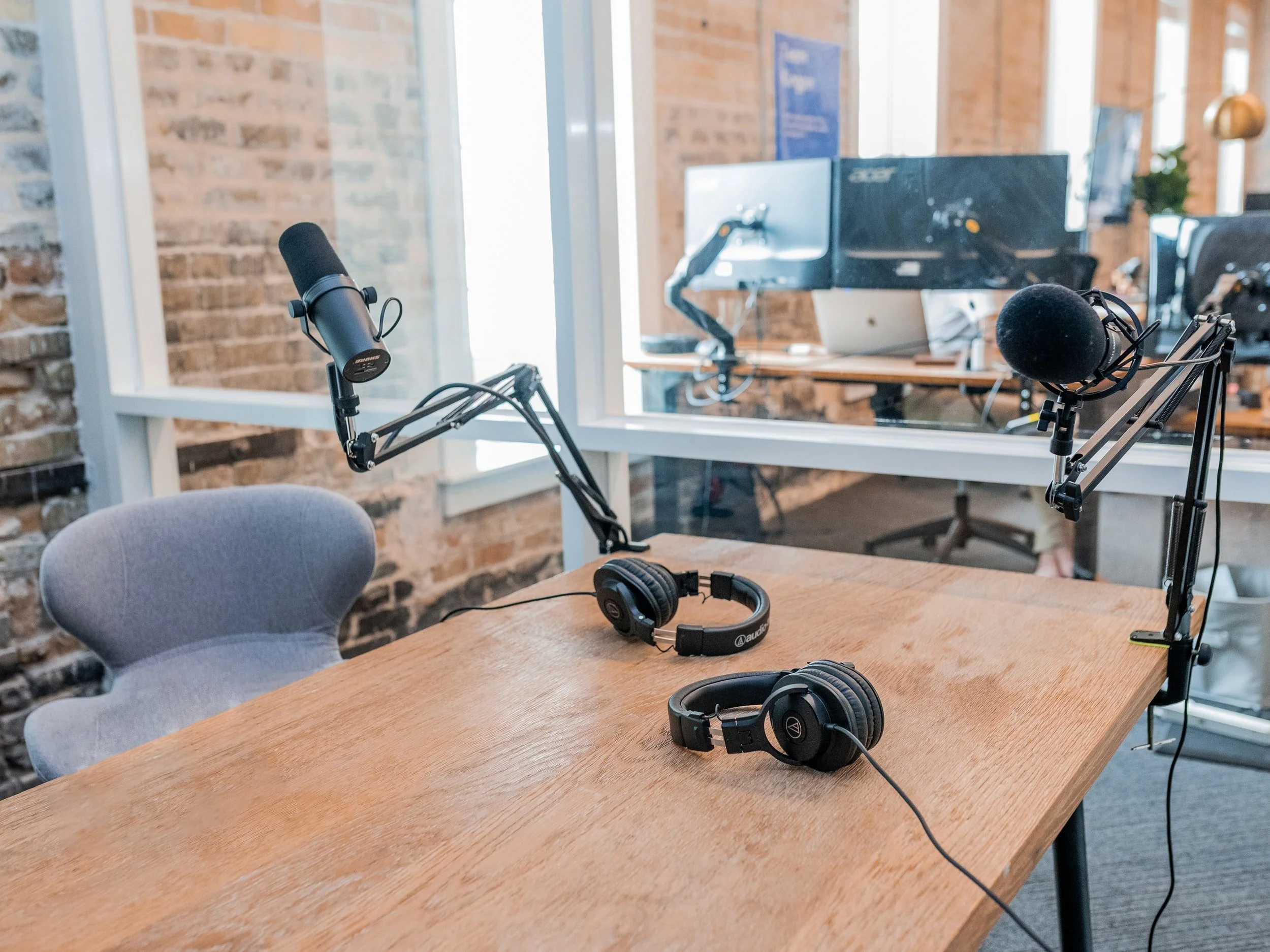
There’s not always time or budget to have us record your voice over. Or maybe you’re trying to get your own podcast off the ground and want to know how to do it week in and week out. There are a few key things to keep in mind…
LOCATION, LOCATION, LOCATION
Just as with real estate, location is really important for where you’re going to record. Don’t do it out in the open where lots of people are going to be walking by or making noise. And don’t do it in an all glass conference room. Try to find an average sized room where you can close a door and control the sound a little bit. Keep it away from reception or break rooms as those will always be louder locations. Check out a couple rooms and walk into them and clap. The clap will let you know how much sound is bouncing around the room. You want as little as possible because that will all get recorded when you speak.
THE RECORDER
Don’t record on your computer’s microphone. Those microphones are not placed in great positions and you’ll sound distant (more on that below). Take out your phone and record on that. On an iphone you want to use the voice memo app. Open it up, press record, flip your phone upside down and hold it kind of near your mouth but not too close that it’s overloading things. Test out a paragraph in a few different positions and then play back the recording and see what sounded best and go with that.
HALF THE DISTANCE, FOUR TIMES LOUDER
A general rule for audio recording is if you can halve the distance from your source (in this case your mouth) to the microphone (in this case your phone), the source will be come through 4 times louder. That’s why we don’t recommend the computer microphone. A computer on a desk is 2-3 feet from the person, using your phone and holding it a foot from your mouth will make your voice 4-8x louder. That’s important because it will also cut back on background noise and things in the room.
THE RECORDING
So you’re all set to record. What I tell every non professional talent is this… you can’t talk slowly enough. Now that’s obviously not 100% true, but naturally you’re going to be reading very fast. Take a breath. Record slowly and leave breaks between sentences and paragraphs. We can always shorten those in post if we need to, but if you’re running together there’s not much we can do to add space.
Press record and read through your entire script twice. If you stumble, just stop and go to the beginning of the line again. Then start over and record each paragraph 2 or 3 times, where the last time you really slow it down while keeping the energy up.
It can be helpful to have someone in the room with you. Print off the script for them and have them listen along and mark the script where maybe you mis spoke or things sound too jumbled. You’re not professional talent so they shouldn’t interrupt you as you go, but they can say “hey, try saying it this way and a little slower” after you read.
SENDING THE FILE
Once you’re done, stop the recording and send the file to yourself via email or air drop. Then get that file to us and we can clean it all up and balance it all out. That’s it… you’re part is done!