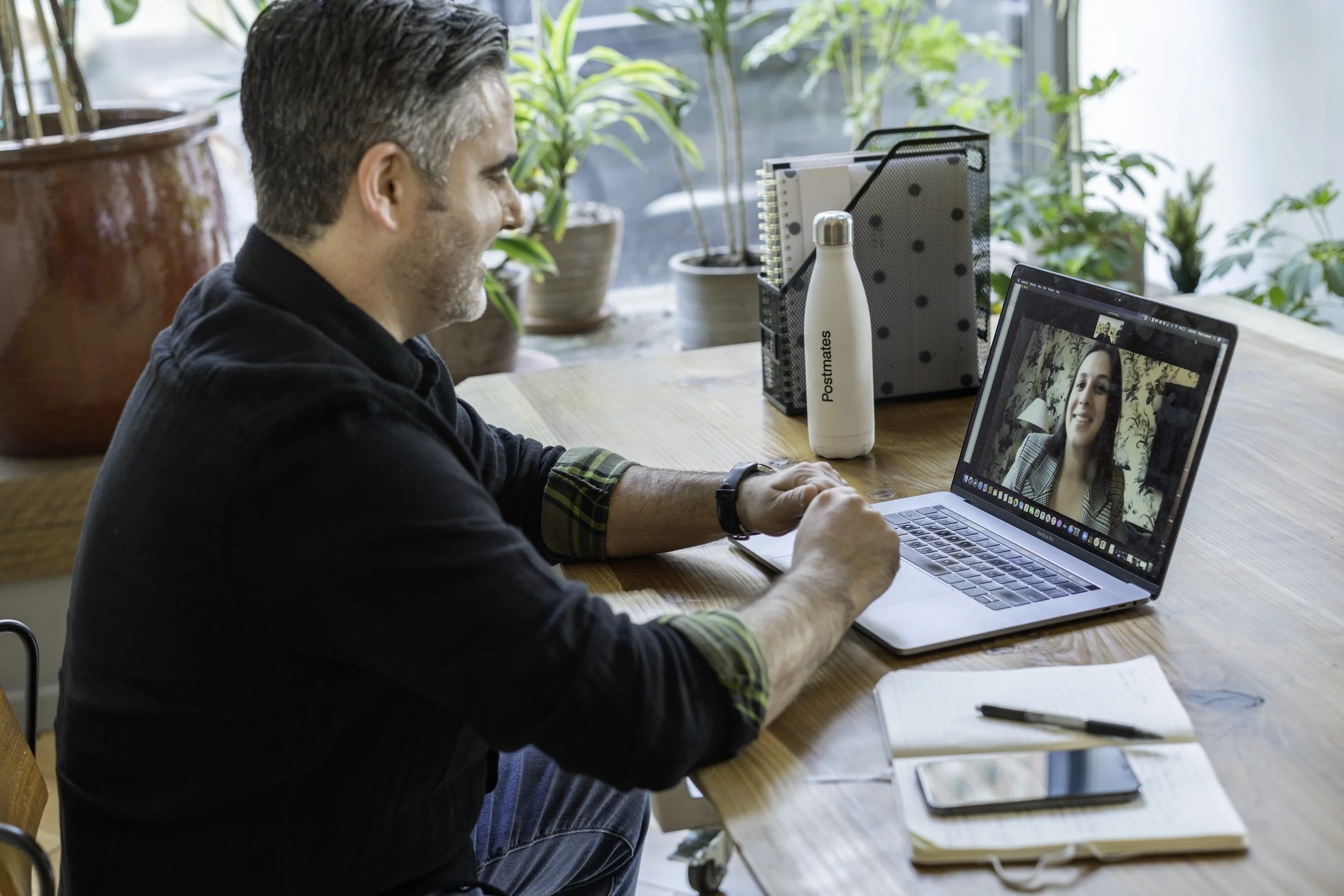
So you’re going to do an interview on Zoom (or skype, meet, etc)… First things first, relax. It’s just a conversation and you’ll do great. We’ll help you through the process so you can focus on telling your story. But there are a few things you can do to help us get the best final product we can…
Location, Location, Location
Where you put yourself is one of the biggest ways to improve the quality of the zoom recording. Webcams are not very high res and struggle in low light. The two biggest things you want to do are make sure the windows in the room you’re in are behind the computer or better yet, at a 45 degree angle to you and the computer. If you’re facing the windows or they’re off to your right or left, they’ll light you nicely for the camera. If you have a window behind you or in the frame, the camera is going to expose for the bright window, and you’ll be a silhouette.
Try to keep your background simple. The way video works is every time there’s a movement, that spot needs to be re-encoded. But, if it’s a solid background or not moving, it doesn’t. So the simpler the background behind you, the more of the bit rate that can be applied to making you look good and not resampling what’s going on behind you.
Additionally, find a quiet space. Don’t sit at the dining room table where kids or dogs will be running through. Try to find a room with a door you can close. And if your room has tons of echos, throw a blanket on the floor to absorb some of those sounds. Which brings us to our next tip…
Mic Check… 1… 2… 3…
Bad video is more tolerable to a viewer than bad audio. Hopefully the steps above have gotten us some great video, so let’s focus on the audio. If you move an audio source half the distance to a microphone, it amplifies its volume by 4x. What’s that mean? Be as close to your microphone as you can be and you’ll sound the best. If you have an external microphone, put it on the edge of the table as close to you as you can get it. If you don’t have one, try a set of bluetooth headphones with a microphone built in. It’s not the best to see the earpiece in, but it’s better than having bad audio. If you do a lot of zoom calls, invest in a USB microphone and you’ll hear the results of it immediately. If you can’t get an external microphone, talk loudly. Now’s not the time to be bashful.
Hardware
Built in web cams aren’t great. They’re typically 720p and not great with different lighting conditions. If that’s all you have, don’t worry about it too much, your story is more important. If you can, add an external 1080p or even 4k webcam. The quality difference is night and day. And if you can add a USB Microphone or Airpods or something, you’ll up your audio game too.
Plug directly into your router if you can. You’ll get the best speed and most consistent quality of a signal if you’re directly connected via ethernet. If you can’t plug in, ask anyone else in the house if they can take a quick break from gaming or streaming so you know you’ll have more resources dedicated to your stream.
Your Clothes
Choose simple, solid colors and patterns. Try to avoid tight patterns as they can cause issues with cameras. If you wear makeup, just apply it normally, don’t go over the top. And if you can avoid jewelry that will bang together that’d help the audio. You don’t want tons of bangles clanking. Or you don’t want to be banging your hand on the table and causing a loud noise with your wedding ring.